
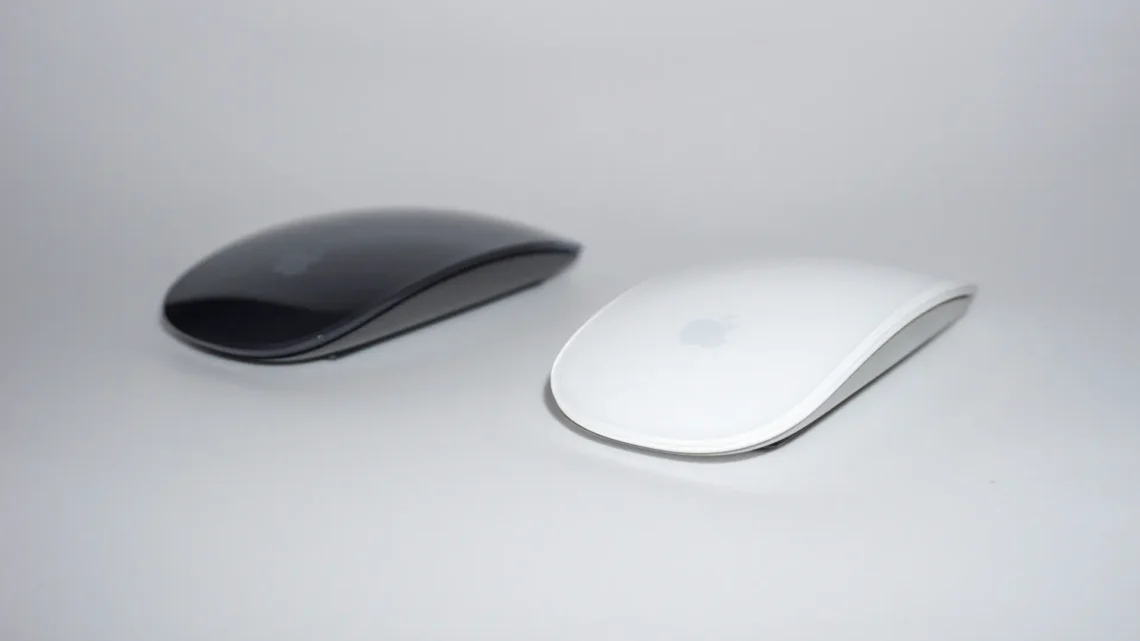
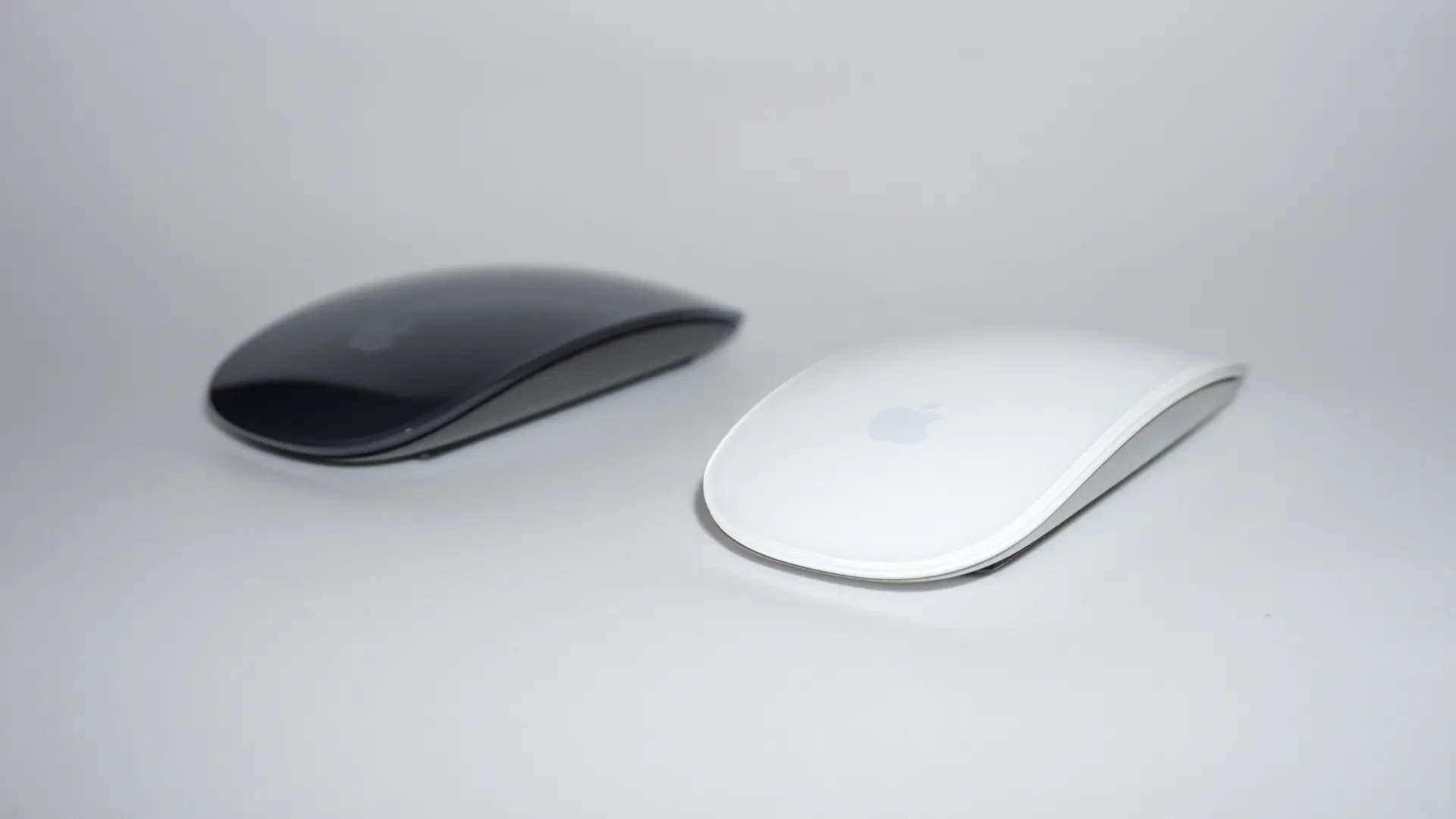
Ever since Apple moved its desktop accessories over to USB‑C, we’ve been fielding the same question across the counter in Coorparoo: “Will this work with my Mac?” There’s an important catch that Apple didn’t advertise loudly, and it catches people out every week. Here’s the plain-English version.
What actually changed
On 28 October 2024, Apple updated the Magic Keyboard, Magic Mouse and Magic Trackpad, swapping the Lightning charging port for USB‑C. Physically almost nothing else changed — the charging port is the only way to tell the two generations apart. (Lightning is the thin, rounded slot older iPhones used; USB‑C is the wider oval your current iPhone and MacBook charger uses.) Under the surface, though, the new models are considerably fussier about what they’ll run on.
The catch: on a Mac you need macOS Sequoia 15.1 or later
🅾 On a Mac
USB‑C Magic Keyboard, Mouse & Trackpad require macOS 15.1 (Sequoia) or later.
Lightning models work on much older versions of macOS.
The frustrating part is how they fail on older systems. They don’t refuse to connect, which would at least be an obvious signal. Instead they pair over Bluetooth and then quietly misbehave:
- Magic Mouse — scrolling stops working entirely. The mouse moves and clicks, but you can’t scroll a page.
- Magic Keyboard — Touch ID and the function keys don’t work, though ordinary typing is fine.
Because it half-works, people naturally assume they’ve got a faulty unit. Nine times out of ten it isn’t faulty at all — the Mac is simply running an older version of macOS. Apple’s own store listings haven’t always spelled this out, so plenty of people have bought in good faith and been caught out.
Sequoia runs on MacBook Air 2020 and later, MacBook Pro 2018 and later, iMac 2019 and later (plus iMac Pro 2017), Mac mini 2018 and later, all Mac Studio models, and Mac Pro 2019 and later. Note this is about software, not Intel versus Apple silicon — plenty of Intel Macs run Sequoia happily and work fine with the USB‑C accessories. It’s the machines that can’t update past Sonoma or Ventura where the problem bites.
The other catch: Touch ID needs Apple silicon
Separate from the macOS requirement, the Magic Keyboard with Touch ID only does the fingerprint part on a Mac with Apple silicon — an M1 chip or later. On an Intel Mac it still works nicely as a keyboard; the Touch ID sensor simply won’t do anything. Not sure which yours is? We can tell you in about ten seconds.
So which cable do I need?
| Your accessory | Your Mac / charger | Cable you need |
|---|---|---|
| Lightning | Newer Mac (USB‑C ports) | USB‑C to Lightning |
| Lightning | Older Mac or USB‑A charger | USB‑A to Lightning |
| USB‑C | Any Mac with USB‑C | USB‑C to USB‑C (included in the box) |
One that trips people up regularly: new Macs don’t come with a Lightning cable. If you’ve upgraded your Mac but kept your older keyboard and mouse, don’t throw out your old iPhone cable — that’s exactly what you’ll want come charging day.
On an iPad, you need iPadOS 18.1 or later
📱 On an iPad
USB‑C Magic Keyboard, Mouse & Trackpad require iPadOS 18.1 or later.
Lightning models work from iPadOS 13.4 and up.
All three connect to iPad over Bluetooth. Worth knowing that these accessories pair with one device at a time — if your keyboard is already paired to your Mac, you’ll need to unpair it there before it will connect to your iPad.
Not sure what you’ve got? Bring it in
If you’re squinting at a charging port trying to work out what you’re looking at — or you’ve got a Magic Mouse that stubbornly won’t scroll — bring it down to us in Coorparoo. We’ll identify it on the spot, check what your Mac can actually run, and tell you honestly whether an upgrade is worth your while. We stock genuine Apple keyboards, mice, trackpads and cables, and as an Apple Authorised Reseller & Service Provider, the advice comes from people who work on this gear every day.
Get in touch or drop past the shop — we’re always happy to take a look.